
Invoicing7 min
How to Create an Invoice: The Complete Guide for Freelancers
Learn how to create an invoice the right way: mandatory details, templates in Word, Excel and PDF, free online tools, and automatic invoicing with slimzaak.
slimzaak redactie5 min read
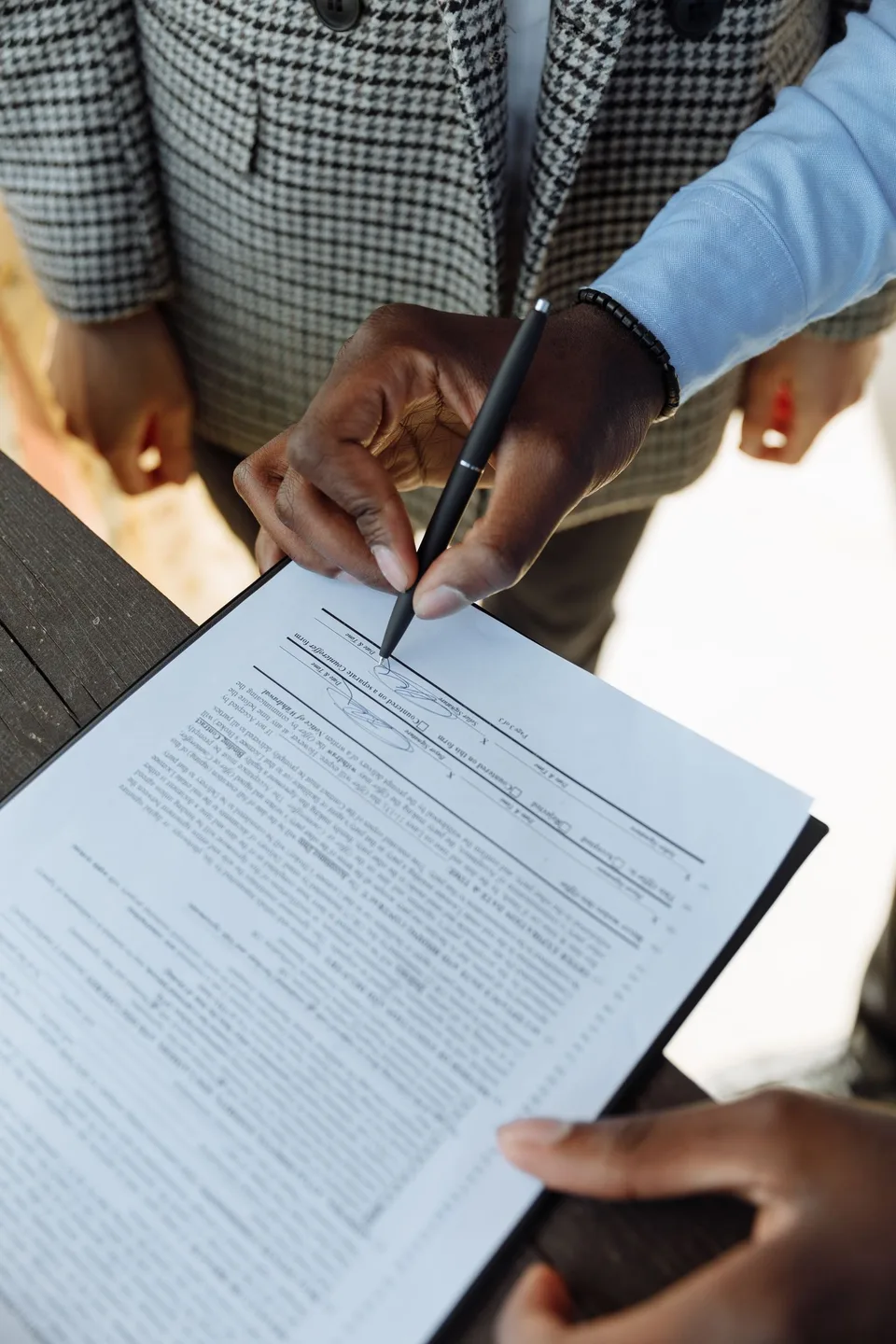
A client asks for a quote, and you want to respond quickly, professionally, and without mistakes. Creating a quote as a freelancer doesn't have to be complicated: you don't need expensive software, just a handful of fixed elements and a way to turn that quote into an invoice later without retyping everything. In this article, we'll walk you through what a good quote should include, which tools are available (from Word to dedicated quoting software), and how slimzaak lets you create free quotes that become invoices with a single click.
A quote is your first impression with a potential client, and at the same time a document you'll want to be able to refer back to later. Make sure it includes the following elements:
Miss one of these elements, and a client is more likely to come back with questions — or you may still need to correct it later when invoicing. Find out more about proper quote layout and branding at quotes in slimzaak.
There are roughly three ways to create a quote. Which one suits you best depends on how many quotes you send and how important a professional look is to you.
Word or Excel. For a single quote a month, a template in Word or Excel works fine and costs nothing extra. The downside: you retype client and product details every time, you calculate numbering and VAT by hand, and the layout quickly shifts out of place as soon as you add or remove a line.
Free online tools. There are standalone online quote generators that produce a PDF for you without any installation. Useful for a one-off quote, but your details usually aren't saved: for the next quote you start from scratch again, and there's no link to your invoicing.
Quoting software. Software built specifically for quotes and invoices remembers your clients, products, and prices. You put together a new quote in a few clicks, in your own branding with your logo and colors, and the VAT calculation is automatic and accurate. Once you're sending more than a few quotes a month, this easily outweighs the few minutes Word saves you at the start.
slimzaak offers this as free quoting software within the Freelancer plan: €0 per month, up to 250 invoices a month, no credit card required. So you can start creating quotes online today at no cost, and only pay for extra functionality once your business grows. Check out the options on the pricing page.
As soon as a client approves a quote, it needs to become an invoice. If you do this manually — opening a new Word or Excel file and retyping the line items — mistakes creep in easily:
These kinds of mistakes take time to fix and undermine the professional impression you were trying to create with the quote in the first place.
In slimzaak, you turn an accepted quote into an invoice with a single click. All the details — client, description, prices, VAT — carry over automatically, without you having to retype anything. The invoice simply follows your ongoing numbering sequence, and VAT is applied correctly based on what was already on the quote. That way, you not only save time but also rule out the risk of retyping errors. Read more about this connection at automatic invoices, or see the full workflow from quote to payment in the complete guide to invoicing as a freelancer.
A quote is more than a price list — it's a sales moment. A few practical tips that make a real difference:
Combine this with tight administration around it — think about tracking payments and any credit notes, as described in cash book and credit notes for freelancer administration — and your quote-to-invoice process will run smoothly from start to finish.
Learn how to create an invoice the right way: mandatory details, templates in Word, Excel and PDF, free online tools, and automatic invoicing with slimzaak.
Should you keep a cash book in Excel or go digital? And how do you create a credit note for a return? A practical guide with examples for freelancers.
Comparing accounting software for freelancers? Learn the difference from an invoicing tool and how slimzaak connects with 9 accounting platforms, including Exact and Moneybird.
Connect your store and see your first automatic invoice within minutes.
Free plan available · No credit card required · Cancel monthly